

Free
Free, and not a trial.
20
camera pages a month
- Highlight and underline detection
- Unlimited books, sections and notes
- Search across your whole library
- 5 voice notes, up to 5 minutes each
- Export your whole library as JSON
NoteQuote finds the lines you highlighted or underlined in a paper book, files each one under its book, and finds it again when you need it.
A highlighter, the way you always mark a book.
Mark as many passages as you like.

In the book, tap + and choose Note / Quote from Photo.

Hold your iPhone over the page. One photo.

Looking for highlights…
The page is read right on your iPhone.

Each marked passage arrives as a note, ready to check.

Tap a passage and drag its edges to fix it.

Swipe left to make it a quote.

Tap Done. Both land in Walden, each with its page.
Notes stay notes. Quotes become block quotes. Each keeps its page.

Works offlineDeleted a book? 30 days to bring it backExport your whole library as JSON, on any plan
Library sorted by Recently Edited.

Type half a word. Every book is searched at once.
“delib” finds “live deliberately”.
One tap, and you’re back in the right book.


Detection is never paid for. You only pay for more pages.
Free, and not a trial.
20
camera pages a month
More pages, and a Cloud Copy.
200
camera pages a month
No page limit.
Unlimited
camera pages
Plan names and limits are the planned launch values and may change. Prices are shown in the App Store before you subscribe. A page counts only when you save something from it.
NoteQuote”
Your book notes, beautifully organized.
NoteQuote comes to the App Store in December 2026. Leave your email and we’ll write when it’s there.
An iPhone with iOS 26 or later and a free NoteQuote account. You sign in with an email code, Apple or Google, and you must be 16 or older.
It works best with a colored highlighter; pen underlines are best effort. Every passage is yours to check before it’s saved: drag its edges, or long-press a word to select a passage yourself.
Printed books with horizontal text, in the languages Apple’s text recognition supports on your iPhone. Handwriting and vertical Japanese aren’t supported. The app itself speaks 11 languages at launch, including English, Türkçe and 日本語.
On your iPhone first, and it works offline. Pages are read on your phone, and what you read never goes into analytics. Deleted a book by mistake? You have 30 days to bring it back. Export your whole library as JSON on any plan, and delete your account from inside the app.
A page counts only when you save something from it. Retakes, cancels and errors cost nothing, and several passages from one page count once.
NoteQuote is coming to the App Store in December 2026. A small invited TestFlight beta runs in late November; tick the box when you pre-register to be considered.
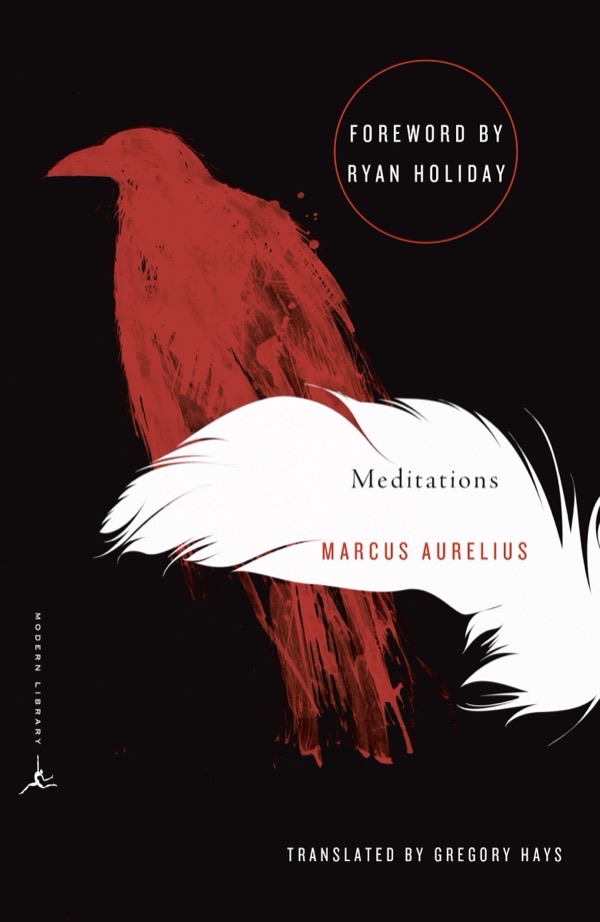
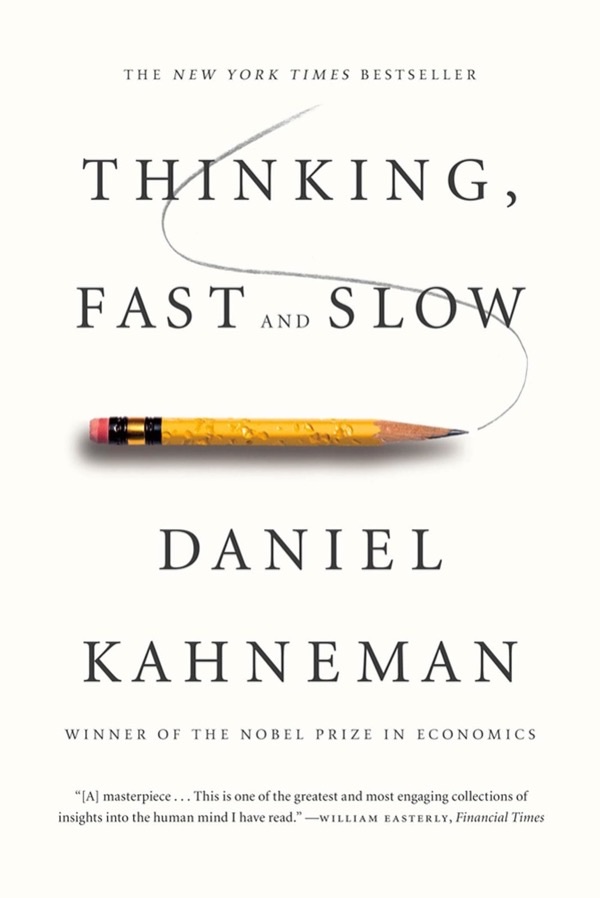
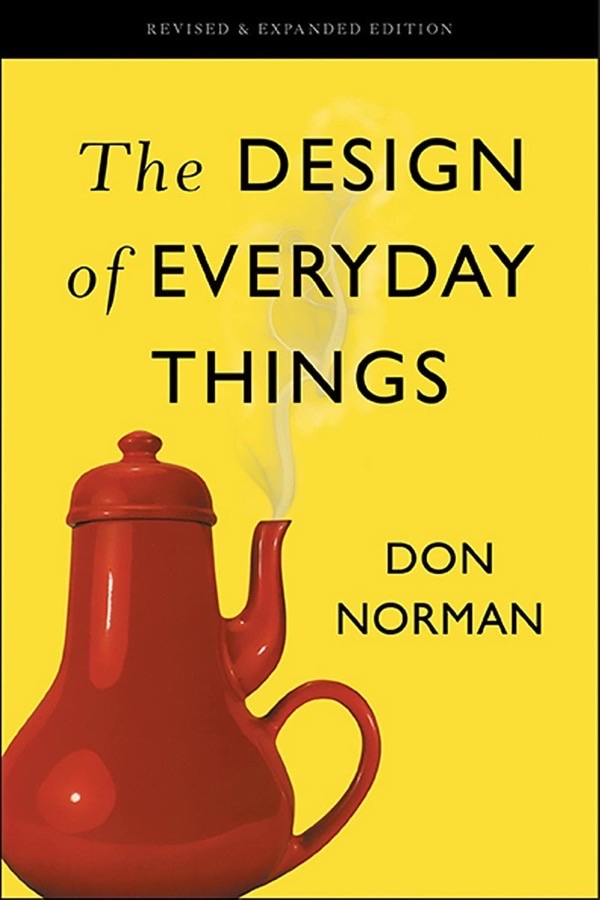
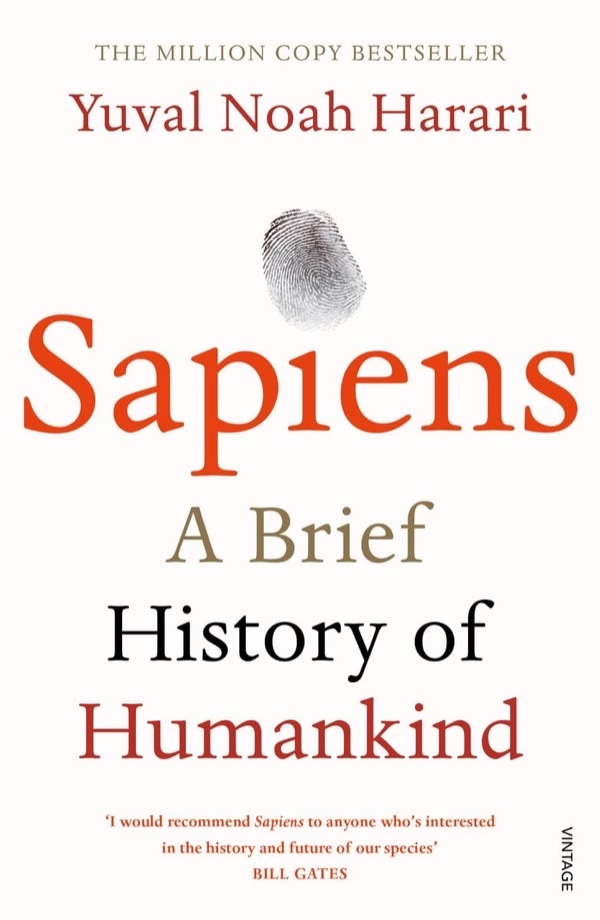
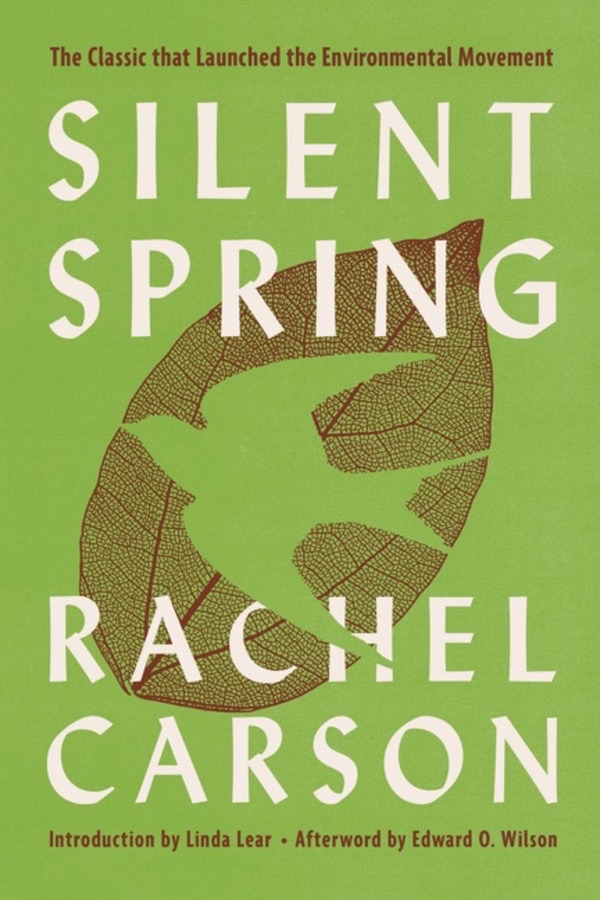
The Library shows real editions with their publishers’ covers: Walden (Vintage Classics, 2017) · Meditations (Modern Library) · Thinking, Fast and Slow (Farrar, Straus and Giroux, 2013) · The Design of Everyday Things (Basic Books, 2013) · Cosmos (Ballantine Books, 2013) · Sapiens (Vintage, 2015) · Silent Spring (Mariner Books, 2002). Cover designs belong to their publishers.